Saturday, 21 February 2026

Crowd vocal isolation Part 1

So speaking of AI I used my current favourite Chatbot (Gemini 3 Flash) to research deeper into vocal isolation models. I had been using Demucs then Demucs FT (Fine Tuned) for a while but seeing as the space is active and busy I was interested to know what else was going on.

Let's back up.

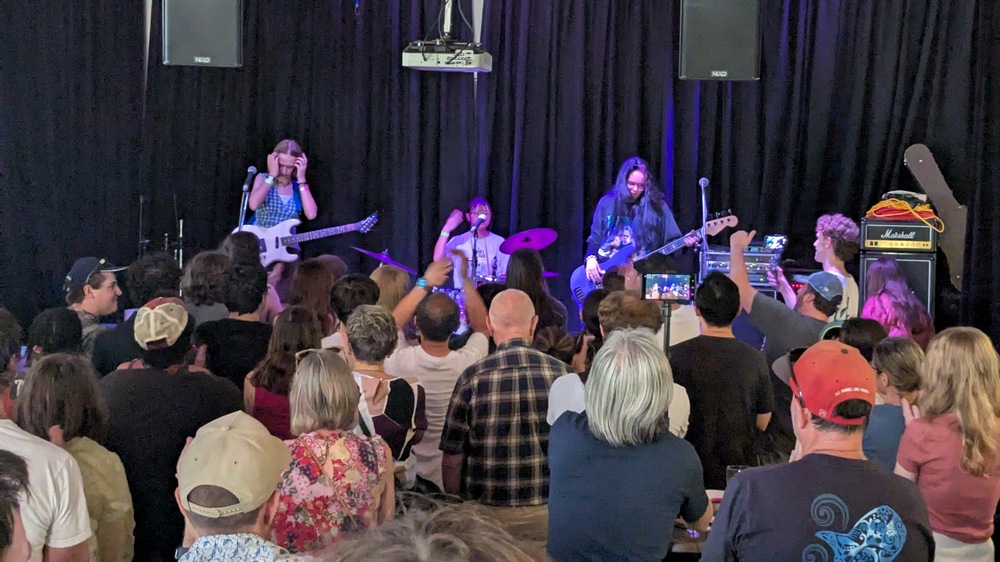
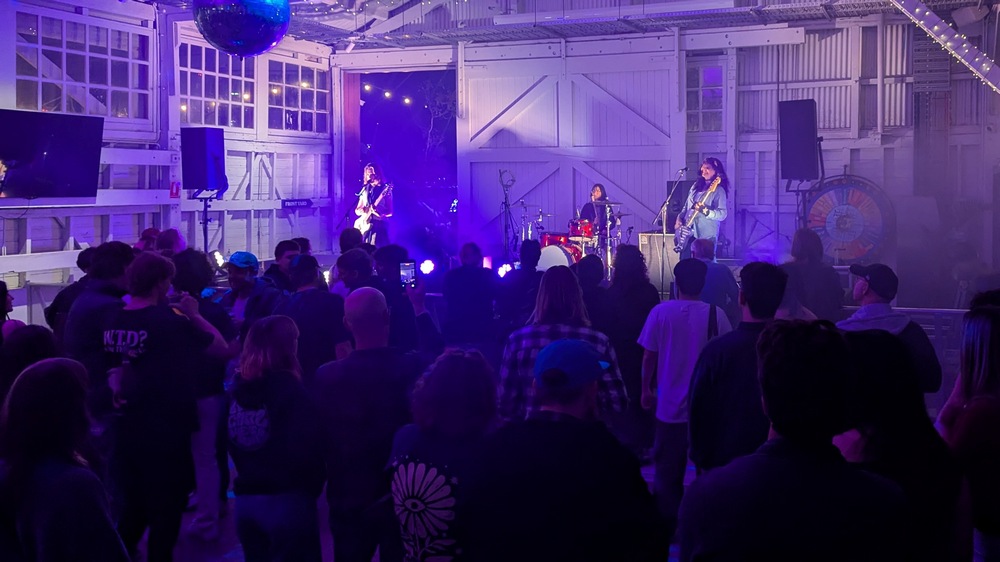
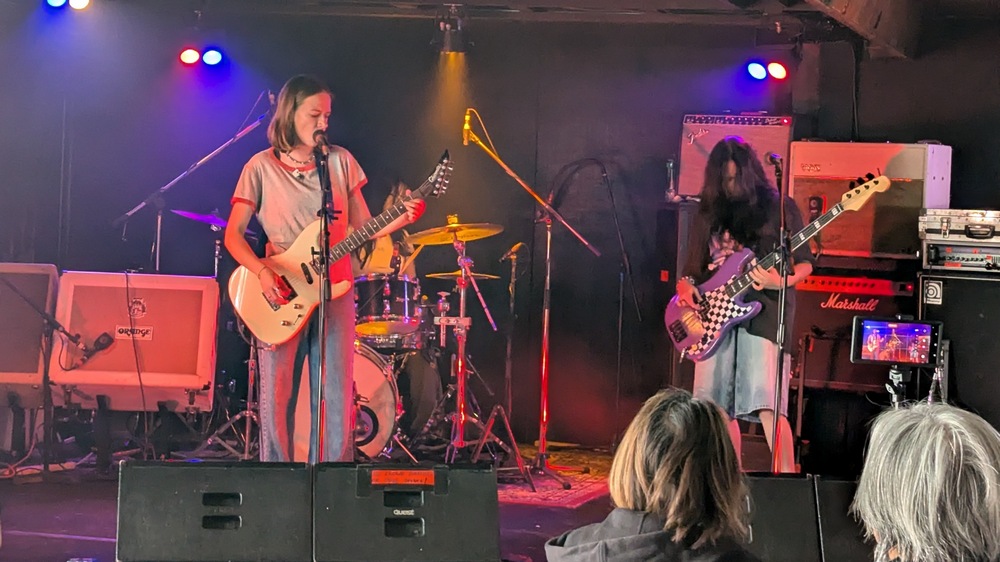
If you are recording a live sound, which I do quite regularly at my local church, then having the sound of all the people singing in your mix is an ABSOLUTE GAMECHANGER. I also used crowd mics for recording my daughter's band concert - basically I will want to use ambience/crowd microphones for anything live. It's how the resulting mix sounds like you are there, part of it, with the crowd, rather than a studio performance.

Here's the problem - the crowd microphones are going to pick up the PA, of course. So step 1 is to use the right microphones and have them in the right place. I was lucky that someone had previously set up a pair of Samson C02 condenser mics at my local church and they kicked my inspiration into overdrive for adding them into a mix. What I found however was they were very low on the stage and pointed forward and would pick up what was in front of them rather than the "wider bigger vibe". We moved them up onto stands which helped a lot - they picked up a wider sound of the people but the PA house sound was still very loud in them. I have since experimented with location and different mics, which is ongoing hence this is Part 1 of an ongoing experiment.

One way of reducing the house PA sound is to use the right sort of mic in the right sort of placement and use EQ/etc to draw out the people's voices...but it's the 2020's and we have software models for everything. The application of music isolation blew my mind when models overtook the algorithmic systems (thanks for your persistence Steinberg, it was a good effort but it was the wrong approach). So if I run an ambience mic through a model to separate just Voices and Not Voices I get this wonderful ambient I can mix back in.

"Remind me why you can't just use the raw audio with some EQ and effects?"

As you turn up the crowd mics, even with a sculptured signal, the drums/bass/instruments in the recording starts to overpower the actual recordings of the drum/bass/instruments. You will start getting that phasey reverby roomy echo which sounds more like mud than like the crowd. A little is okay, too much is meh. So if you really want the people big in the mix, isolate out the instruments.

The Chatbot talked to me about other models to try beyond HTDemucs FT (developed by Meta (Facebook) trained on a massive set of internal data). We have the MelBand Roformer (developed by ByteDance (TikTok) and Kimberley Jensen) and community expansions of it with extra data of messy real world audio.

I discovered that for some of my recordings The MelBand Roformers were a lot better! But it is not a one-size-fits all unfortunately - if you really want to go to town you would run all the models and mix them together.

Okay, let's have a look/listen at an example - here is a recording straight from the crowd mics:

For reference here is what the microphones being held by the vocalists sounds like, mixed:

Notice that there is some instrument present, especially drums. They are dynamic mics and the vocalists are holding them close to their mouths so it's not getting much drums/instruments, but it is there. But also notice they are clear and crisp. That should be the predominant sound in the mix - not the mushy crowd mic version - but we want that underlying crowd sound as well!

I'm not going to mess with EQ and effects for this example - although that would make it a sound better/balanced - for the purpose of this discussion let's just listen to what the isolators do. To initially blow your mind like it did mine, here is just the instruments (for reference this was done with MelBand Roformer InstVox Duality V2 model).

Righto - let's first listen to HTDemucs FT. You can run this yourself - make sure you have python installed and execute:

demucs -n htdemucs_ft "test_raw.wav" --two-stems=vocals

Of course it's not perfect! But wow it is very very clever. The main vocals are lound in there - coming back through the house PA quite strongly - which is to be expected - but the crowd is underneath. Not as much as I want - but save that for Part 2 - different mics and different placement to better pick up the people and not the house PA.

Now for MelBand Roformer Big Beta (community)

audio-separator "test_raw.wav" --model_filename "melband_roformer_big_beta5e.ckpt" --mdxc_segment_size 256 --mdxc_overlap 2 --mdxc_batch_size 1 --use_autocast --output_format=WAV

Code tips: ask your favourite Chatbot. Some of these parameters are tuned for my laptop GPU which is not very powerful.

Notice it dropped off a little towards the end, and it grabbed a bit more bass towards the start - I think that was more the bass guitar then vox. Not bad but I don't think it beat HTDemucs.

MelBand Roformer original Kim version

audio-separator "test_raw.wav" --model_filename "vocals_mel_band_roformer.ckpt" --mdxc_segment_size 256 --mdxc_overlap 2 --use_autocast --output_format=WAV

Similar, handled the end a bit better, it picked up more nuance with the singing, for example the word "Surely" at the start has been captured better in this model than the other two.

MelBand Roformer Duality

audio-separator "test_raw.wav" --model_filename "melband_roformer_instvox_duality_v2.ckpt" --mdxc_segment_size 256 --mdxc_overlap 4 --use_autocast --output_format=WAV

Similar again, seemed to be slightly more gatey - decided the gap between phrases was silence, which is technically correct. Didn't grab quite as much bass as the other two.

Look I could go with any of them, in this test snippet I reckon the winner is HTDemucs FT or MBR Duality.

As a final closeout, this is what a people-less mix sounds like:

Notice there was an electric guitar being played, but the house had it down so low it was barely present in the crowd mics! But because I had all the channels recorded, I turned him up, because it sounded so good. So finally, with people mixed in, the point of all of this:

It brings out the "liveness" of the room. Because there was still a lot of main vocalists in the mix they come through a bit echo-ey, but the fact the people are singing underneath really turns the mix around.

There you have it! Using the power of AI to isolate vocals - but it's only as good as the original mic signals and I have room to make them better. Watch this space!

Monday, 16 February 2026

What's my relationship with AI?

Even if you don't want to use AI - you already are - it's everywhere, even just your internet searches. Since I work with tech, I have experimented as it grows and I'm forming some opinions about it.  First up, we shouldn't call it AI. I reckon "chatbot", "LLM", or if I go right back to 1992 when I actually did a university unit in it - we called it "Artificial Neural Networks" back then.  In reading up about LLMs I discovered that it is all still based on the premises I learnt about a long long time ago.

So what are my opinions?

Straight away I cross off life coach/counselling/psychology. It's just a plain 'ole bad idea.  It will just spew generic tyre-pumping tripe at you - it will tell you what you want to hear and help you rationalise bad ideas. Throw that away immediately. As a research tool - yes. I reckon it is a better search engine *at this point in time* than any of the normal search engines.  For starters the traditional search engines have all been SEO'd to death and skewed towards how to make money from you. The chatbots on the otherhand have devoured all the content and will regurgitate whatever you need in a friendly summarised manner easy to digest. It is still fraught with danger and it is only a matter of time before it too is all about making money from you, but we are right now in that happy phase where you can search for information and then continue to drill deeper and get more specific as you go. With the caveat that you can't believe anything is says, so references to actual sources of truth are important for when what you are searching for is important - like stuff about health, finance, legality.

Let's quickly deal with art.  Whilst I find pictures and videos it generates fascinating, I've kinda decided no. Not for anything serious or important. I took a photo of my work colleagues and I at lunch the other day and had the LLMs make it look like a "The Simpsons" style scene.  It was really, really good.  It has no practical value, is built on stolen art, it is essentially useless except as a curio. Last week I put a couple of headshots of myself into a video LLM generator and attempted to render a few scenes of me riding a horse with a guitar strapped to my back - as "Bard JAW" - rock up at a tavern, go into a room full of fantasy style creatures and then play some fingerstyle guitar.  Some of it was okay, but mostly it was a mess.  Once again, no practical value, built on stolen art and just a curio.

Music is the same deal. When people are less "actively listening" and music is just background, if it is LLM produced will anyone care?  Nope. But is that good?  Nope. And when it writes songs with meaningful heartfelt lyrics? The LLMs have no soul and have no place in trying to connect with people on a human level. So the LLMs can leave the music creating space alone...with a side note that using it as a research tool is not the same thing as creating music.

Literature? Hard no. Same as LLMs trying to connect with people on a human level.  With it's generic regurgitation of everything that it has scraped in a pleasant soulless manner devoid of new ideas. Just no.

Okay JAW So where would you use LLMs?  I have used the LLMs to create code that would have otherwise taken me days.  It's really good at creating code.  What's more, when I read through the code techniques it uses I see really clever stuff that I wouldn't have dreamed of doing - because it is based on the work of actual programmers whereas I'm just an engineer hack who taught himself BASIC on a Commodore 64 in the 80's and still approaches coding problems in that same way.  HOWEVER LLMs are just for little tools.  Even when you end up with a 500 line python script you can already see the cracks forming - it doesn't have a neat core with modular functionality written around it, it tends to a monolith that if you want just a little change the whole thing needs to be rewritten.  And it is not good at rewriting big chunks of code for little changes - suddenly it will drop functionality and you will fight it to put it back. I wouldn't trust AI to write anything big and important.

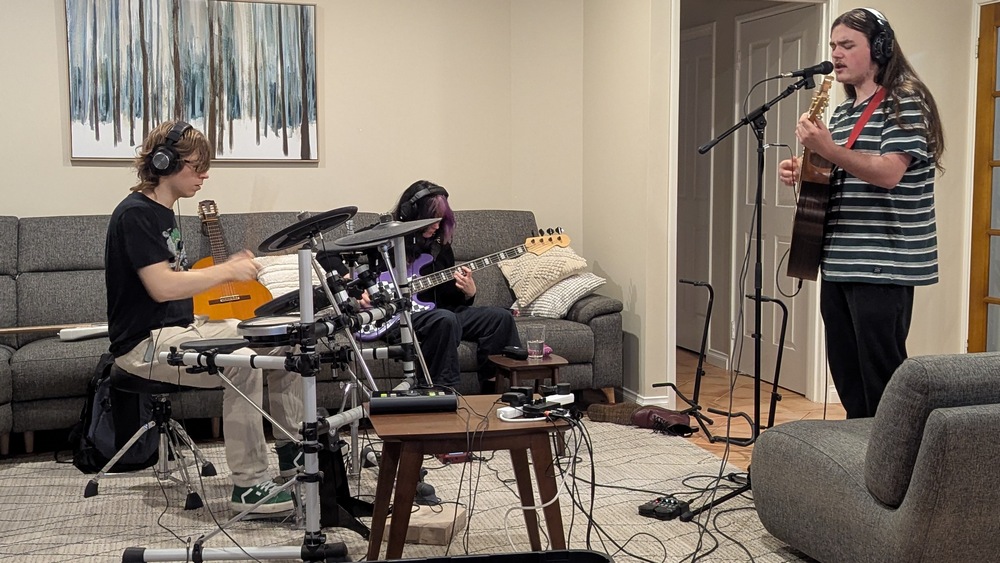
I have been using it for vocal isolation - taking a recording of a church congregation singing and getting it to remove the drums/bass/instruments just leaving behind the singing.  In fact just yesterday I used a chatbot to research the current state of vocal isolation, describing my use case, that I just wanted a command line interface with a model and it came up with a bunch of things to try.  I used a 10 second WAV snippet and ran it through several of the surprisingly many models that people have created, gave it feedback on how I thought it went, and it recommended other things to try.  In about two hours I had significantly improved my vocal isolation result - not just the model that gave me the best results for my use case, but it improved my approach to feeding that model.

I could go on more about this giant very topical subject but I've hit the key detail right there. What's my relationship with AI? I use it where I can test its output.  Not where I need to trust it - but where it has given me something that I can verify and is useful to me.  As a timesaver.  Yes, this *will* make me dumber, because in pre-LLM days I would have to do the research - all the grunt work - and it is that process where you learn a lot. And anything that is about human connection - no LLM, back off, stay in your lane, that is not your space.

No LLMs were used to generate this post.

Sunday, 25 January 2026

Rode M5s for ambience mics

Over the Christmas break I picked up a matched pair of Rode M5 condenser mics, to fit in my local church auditorium, to mic up the congregation singing. Ambient mics, crowd mics, whatever you'd like to call them - I have fallen in love with the sound they can bring to a mix. We'd been using Samson C02 mics for a while now and they were doing a reasonable job, but the room/location/small diaphragm condenser style get a lot of house PA in them. I use vocal isolation to get rid of the drums and bass and other instruments but still get a lot of main vocalists reflecting into the isolated vocals so I can't go too hard with them in the mix.

My thought was to upgrade the mics and to mount them up high on the lighting rail to get them away from the musos. The mounting bracket was interesting - you can buy lighting rail brackets very cheap, but they are all metric. However it was pretty easy to source a 3/8 UNC bolt so that the bracket would do the standard microphone mount.

First recording I discovered that I liked the Rode M5 frequency response - very faithful, with a crisp sound, an improvement over the Samson C02. However, mounting them high actually increased the distance to the audience so I reckon the house PA bleed may actually be slightly worse. Argh! In hindsight, that was probably always going to happen, condenser mics do a great job of picking up everything, so unless you really have them jammed into what you are trying to mic then they are going to get everything.

Experiment 2 is going to be putting a set of shotgun mics up high and moving the M5s lower and aiming closer. The shotgun mics are pretty much condensers as well except they have clever slots on the sides to reject side sound...so they are going to pickup a lot more of what you are pointing them at. To get the "pointing at" even better, I have a green laser pointer for next time - hold it against the side of the mic so it is pointing in the same direction as the mic, and set the location based on the green dot - for the shotguns that shall be middle left/middle right, for the M5s closer to the front.

It shall be an interesting experiment - once again I'm learning by doing. I might find that the auditorium reflections are complex and the shotguns won't help that much. It might take longer and cost more to come up with a solution, perhaps getting in an expert would get a better result faster, but there is nothing like learning the hard way through experimentation to really understand something!

Wednesday, 17 December 2025

Learn by doing

After an email from Luke over at Korneff, I got thinking about my process of learning. He's got a lot of knowledge and wondered if I prefer lessons/courses in video or written. My initial reaction was "written" but it made me dig deeper and I realised I'm a terrible learner - slow, and scattered.

This is how it usually goes down:

I start a project. I quickly skim the internet for a few initial considerations and then I take it on, headlong. I fumble, experiment, slowly get stuff working. In the past when I'm stuck I would use a search engine and trawl through posts, these days the AIs do it for me. I eventually get what I needed/wanted in the project working.

If that's it, that's okay. But when a project continues, and I have to dig deeper in, I start to realise that how I have done it is not quite how a pro would do it, so I have to re-learn aspects, un-learn bad stuff, approach with better application.

It's usually at that stage where I say to myself "I should have taken the time to learn this properly from the start", shrug my shoulders, say to myself "too late now, just keep going." The reality is that it is never too late. And then I will also say to myself "Learning through experimentation can lead to great outcomes!" Again, mostly fooling myself. And even then, I irrationally believe myself.

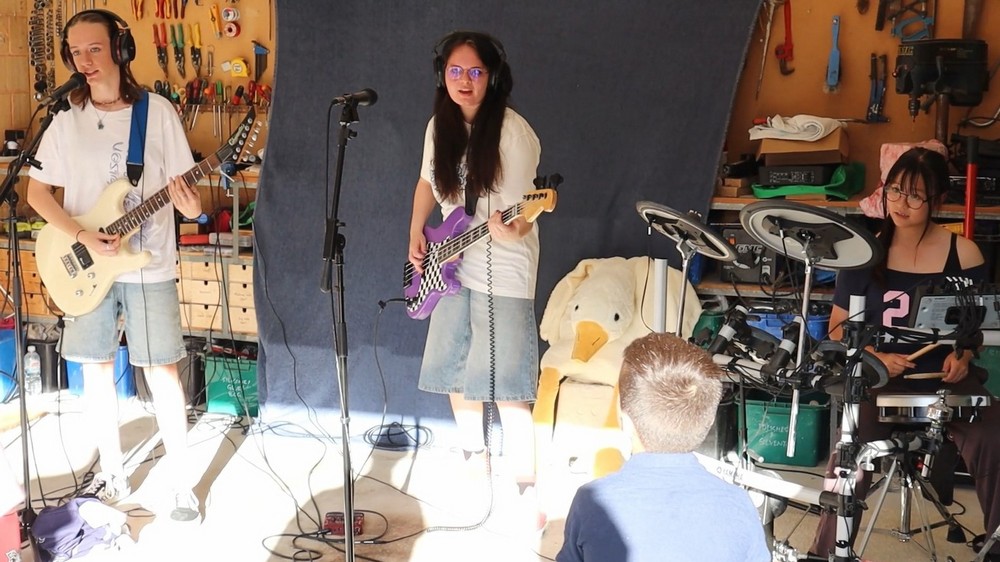
Case in point - last Thursday my daughter's band put on a garage concert. I have been amassing enough gear to put on a live show so I had what I needed, and I have recorded audio/video for a few concerts in my time, just because I like to document things, never because I needed to. I've never done a course in concert staging or recording, just winging it. In no particular order:

  • I came into possession of a Yamaha DTX500 electronic drum kit, with cymbal upgrades and a few other features. Has a nice big amp with subwoofer, but I didn't want any of that...I wanted it to be a midi trigger for a VST drum. I've done that before, I like it and it's great to mix and keep under control. I had purchased SSD5 so I could have a kit that didn't just sound like every other backyard studio free SSD5 kit. I spent time trying to calibrate the triggers through the DTX500 box, time trying to balance the SSD setup. I had to map the midi triggers manually because the default maps I could find on the internet did not match. It came out okay. I don't know if I was pleased with the live levels, but it was okay.
  • I also came into possession of two condensor mics and decided I wanted to record the crowd. I've experimented with ambience mics and I'm totally convinced they are essential for a live feel. I set it up so they would record through my audio interface, but were not in the output stream. In post this proved to be a winning move - my placement was good, they had good rejection of the main sound and yet picked up the audience. I didn't even need to isolate them - just having them faded in at the right level, great feel.
  • I set up an in-ear rig a while back, it's just a 4 way splitter with a volume knob. It works great, they can hear themselves at whatever volume they like through the headphones. Comes straight out of the headphone output on the interface. I want to make it better though - I want to be able to give them personal mixes, so I can dial them in their own personal mix. The interface has 8 mono outs on the back, but the levels aren't right for headphones, so it would require a little bit of hardware. And to learn how to make an easy-to-use software resolve for each in ear mix.
  • I've got one Behringer Eurolive B112D. It is a great PA. But I only have one. So I ran two cables to it (stereo left and right) into it's two inputs and ran the volumes at the same level. It easily filled the area, which was the garage out onto the driveway - with room to spare. No feedback even at neighbour annoying levels. But it was basically a mono signal on one side of the room. I need a second one for stereo balance. They are "only" $AUD450 in 2025, so I'll be getting another...
  • Video cameras. I have two quite old Canon EOS M but they take a great 1080p video. I have a slightly newer version as well, so my usual setup for this type of thing is the two old ones on tripods in fixed positions. I would have liked one high up in the middle but that's where the crowd was so I settled for one up high looking down on one side and one down low looking up ont eh other side. They gave me all of 3 minutes before the show started to set them up so I didn't manage to frame them well, and within a minute of the concert starting someone stood in front of one. Not great. I used the other video as a roving camera. So when I later did a video edit my two stationary/stable feeds were mediocre. I accepted it and edited anyway, the result was still okay. Note, the "easiest" way to film and edit a live concert is to have a guaranteed stable camera or two, try not to walk your roving camera into the frame of both too much, make sure that all cameras are rolling the whole time so they are easy to sync, lay the feeds out in your favourite editor target the roving camera as priority for interest and when the roving camera is a mess fall back to the two stable cameras. I only spent maybe 2-3x realtime editing it, so maybe and hour and a half
  • I worked out why old Canon DSLR cameras will only let your record video for 30mins max before they shut off. It was some tax issue - that any camera that can record more than a 30 minute video had higher tax at the time, so they baked in 30 minutes max to the firmware to bring the cost down. How stupid. So if your concert is more than 30 minutes make sure you press stop and press start again within the 30 minutes on each camera...and not all at the same time :-)
  • I need to relax with my pre-gain thresholds. My sound check setting I was twisting the gains so high that I was getting hardware clipping. And it was making crackling sounds. Bad. It's a 24 bit interface, I can afford to throw away the first 4 or so bits. I should be able to see the signal as it comes in, but it doesn't need to get close to filling the available bits. And once the pre-gain is set, I should leave those dials alone. Use Reaper's faders.
  • When I did a quick and dirty post mix, I added my usual compressors and EQ and saturation and reverb on the vocals and instruments. I did very little automation. Which means that I should set up all those fx for the actual live performance...

I think you are getting the idea. I learn through experimentation and then read up on what I don't understand. It's burnt into me, I don't think I can learn in a structured manner anymore. It's been a long time since I was at Uni, I don't learn like that anymore.

So Luke, dunno mate, dunno.

For the curious, here is the video I made

Saturday, 29 November 2025

More cracked/torn nail repairs

Some of us guitar players like a bit of fingernail. on our right hands. Especially when plucking nylon strings, it brings out the higher frequencies. Nylon can be mellow and dull on just fleshy fingertips. As much as you try not to break fingernails - doing things left handed, avoiding some activities which are known fingernail crackers - it still happens, generally at the worst possible timing. I've written about nail repair before but now I've got some science to improve the process! And pictures!

Superglue is still at the heart of it, but if you mix superglue with sodium bicarbonate - easily sourced while grocery shopping if you don't already have some - you get a really tough substance. I was using it while repairing guitar nuts. Last time I was applying superglue and waiting, now I add superglue and sodium bicarbonate makes an even tougher thicker layer that sets hard in seconds.

The science is that when you mix superglue (ethyl cyanoacrylate) with a weak base such as sodium bicarbonate firstly it hardens extremely quickly and secondly forms long polymer bonds. That's good, it's tough!

My process is to firstly have a stash of superglue tubes at the ready. Once opened it will eventually go off even when capped, and since you can get tubes for under 50c each in bulk, just have a stash at the ready. Step 1 is to put a drop or two across the affected area, let it flow out...basically just go for the tip of the nail over where you have cracked/torn it. If it is too challenging to get any into the tear (use toothpicks to poke around) don't stress it. What can be annoying is if you get a bit of glue on the underside of your nail and it sticks your skin to the nail... If that happens you can reset and start again - Acetone dissolves superglue.

Step 2 is to sprinkle sodium bicarbonate over the glue. Just add more than you need, once it sets you dust off the rest. Be cautious, it gets hot as it reacts. Don't do too much at once.

Step 3 is to then add another drop or two to float over the rough surface of bicarb. This will build a good thickness layer. Let it set, will only take a moment.

Step 4 is to do a bit of filing - just smooth it off, don't touch your actual nail. If you are a picker/fiddler, you will find having a lump of cement on the tip of your fingernail frustrating. Relax, let it go.

It will be good for a week before it will start to crack and peel away from your nail. Redo it again if you need. This time around I redid it a second time as I needed to play two gigs separated by a fortnight. After that, it will either have cracked off or just remove it with acetone.

Happy days!

Glued and powdered Second glue coat ready for light shaping

Wednesday, 12 November 2025

What's happening Nov 2025

So much to do. I need to write this down so I don't forget about anything.

Record "Breathe (in the Air)" with Nay. Finish the arrangement - currently it is guitar, bass, two singers. It will be a "live" play through but I suspect we will also record the parts separately and mix it against the "live" video. To a click track, of course! This is cheaty, but for us both to sing - she's a good singing, I am not - and play complicated charts - of course I have made it complicated - is not easy. It will be fine, it will be more a music video to a studio recording. The arrangement is sounding great. We will be playing acoustic because:

Muck around with the new acoustic bass. I recorded a video about if of course, which is a story into itself. I had noticed that people seem to like short portrait videos, that people like discussions on specific types of guitars, and they reckon a good thumbnail goes a long way. Well for the first time ever I made a thumbnail...and it was specifically a video about a Tanglewood TRU7ABCEBW, and while it was portrait it was too long to be a short. Worst performing video I have done in a long time! But that is neither here nor there, I make videos because I have something I want to talk about/share. The bass itself is cool, but it's an acoustic bass, which means the only thing it is good for is aesthetics (think MTV unplugged...)

Backlog of mixing recordings from my local church - it's great, every Sunday there is 4 songs, around 20 channels each time with a huge variety of musos, gives me a chance to hone my mixing skills. I normally do one every week or two, I'm building up a collection and often share them with the team for inspiration...planning on getting my ten favourite mixes of 2025 to the music director for release on Spotify.

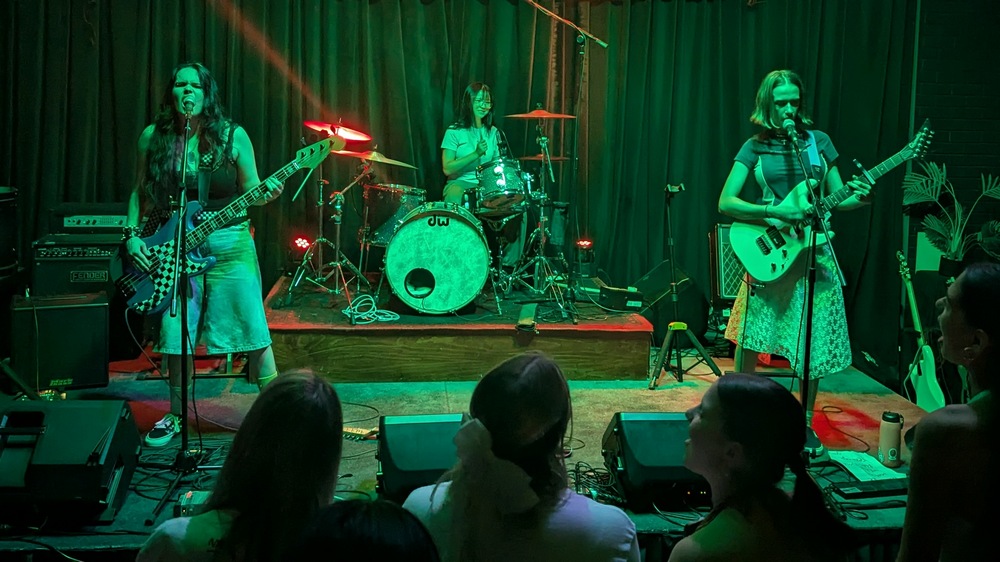
Record/video/edit/mix a "garage session" of the band "Solstice" my daughter plays bass in. I have ideas in my head to record them live, but also to have an almost "This Is Spinal Tap" documentary feel to it. Well, less irony, but a casual chat between songs (not necessarily me). Will probably get an audience, to give it an intimate feel, so the viewer can feel more like they are part of a small group listening/watching the music. Need to organise with Nay and Lyds when they finish exams.

Record "Shine on You Crazy Diamond" and get the arrangement finished and uploaded. It's super challenging both to play and notate out. Would be the longest song I have ever taken on. But it sounds so good. I need to get it out there so I can continue to develop it. Like Breathe (in the Air) I'm sure I will constantly be changing it as I find new treasures in it.

Record "Breathe (in the Air)" and update the arrangement and upload...again. I've changed it so much since I last recorded it, and even more since I have been exploring it as a duet. It's such a great song. I've been sitting on all my Dark Side of the Moon arrangements, to release one day as a book...but I've gotta give up on that, it might never happen. So get stuff done and recorded and scores uploaded.

Other Arrangements - I've got a few waiting to be finished, recorded, or both. Who can fit all this in?!

Continue to develop a tone for my new Cole Clarke acoustic. I'm just running it through a Zoom G1 four, which is convenient because it fits in the guitar case. It is super programmable, I reckon there is not much it can't do. It's "only" 24bit 44.1kHz 128x oversampling and a 32 bit processor so the audio purists would baulk but there is a lot to love about it. I've fiddled with it a lot, there is more to fiddle with.

Android Audio App for when I need a coding hit, sit with the Chatbots and code up an Android Audio App. Primarily I want it to be able to load an MP3 and play it AND PITCH SHIFT IT. Yes, you can download them, but they are all full of adverts or they want a subscription. With the Chatbots watching over me, I reckon I could knock this up with only a minor bit of frustration. Why? Because the songs I play at my local church are rarely in the same key as the recording and it is nice to play along with them. And I like to code. It would also be nice for it to be able to do a rough pitch detect, tempo adjust - and these are all things that exist in free libraries, so it all seems doable. But this is possibly a pipe dream.

So as you can see by my messy desk, there is always something musical going on but it's a mess...if only there were more hours in a day!

Sunday, 2 November 2025

Shotcut Notes

Making video content with the free open source Shotcut video editing software

This is a reminder to myself about tips and tricks I use while editing videos in Shotcut. Yet again another piece of software that is jammed packed with everything you could possibly need, and since I only use it every few months I forget how to do stuff...

  • Portrait mode: when you have landscape video that was actually recorded as portrait, to get it into portrait, apply the filter "Size, Position & Rotate" and use parameters something like position -420,420 size 1920,1080 rotation 90.
  • Envelope audio volume/amplitude adjustments: add the filter "Gain/Volume" to the clip, select the clip, then click the stopwatch icon to enable keyframes. You can now double click to add points. Note that you can later switch from Timeline to Keyframes in the bottom left to re-edit.
  • If you want to do more than just a fade out, say a variable opacity, you will need to add a black layer, File->Open Other->Colour Black. You can then add Opacity to your video, click the stopwatch and set keyframes to envelope your levels.